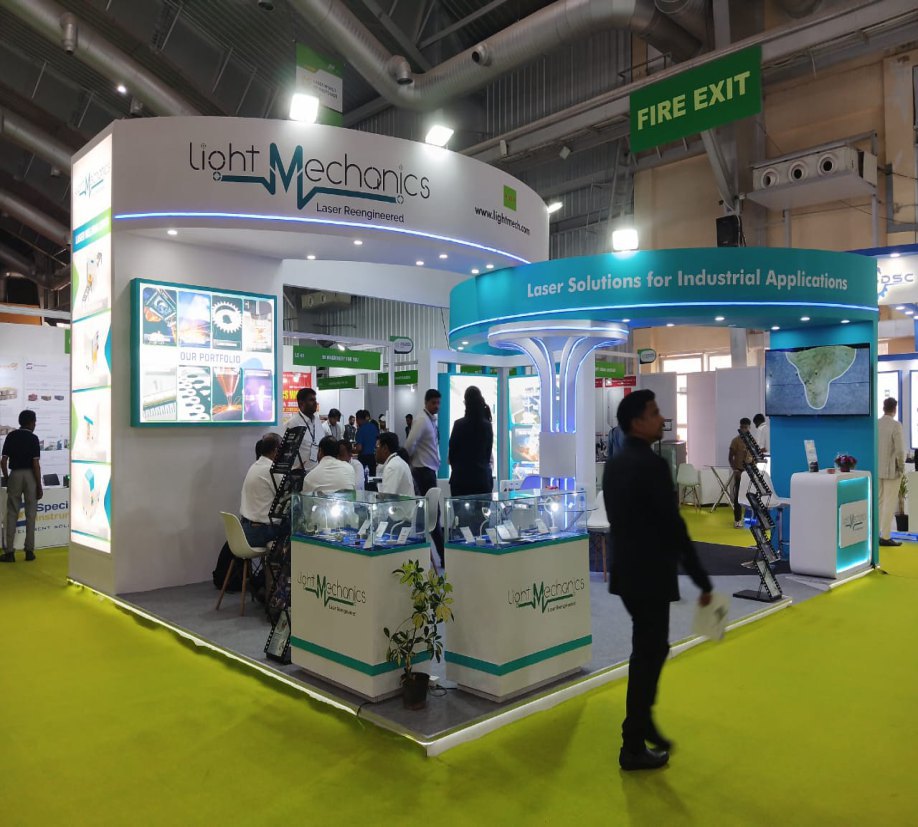
By Sunlight Event Solution
Exhibition graphics are viewed at several distances: across an aisle, beside a product and inside a meeting area. Plan the content and production files around those uses so that your stand communicates clearly and the prints fit the finished structure.
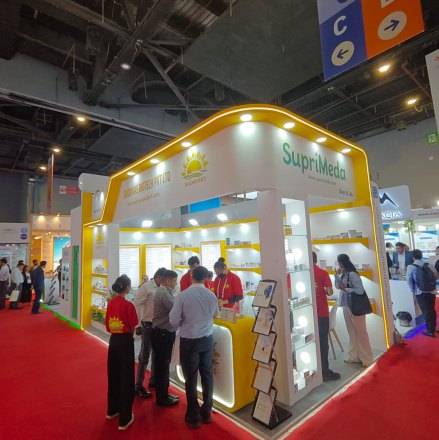
Confirm final sizes before artwork
Ask the design or fabrication team for the approved graphic dimensions and a placement plan. Check where panels join, where screens or products will sit and whether any part of the image wraps around an edge. Do not use the overall stall width as a substitute for the print size.
Ask the printer for their file specification, including scale, bleed, colour setup and required image resolution at the final output size. Large-format materials and viewing distances vary, so one universal file setting will not suit every graphic.
Use a clear message hierarchy
Choose a short primary message for aisle viewing, supporting benefits closer to the visitor and detailed product information where people can stop to read it. Leave enough clear space around logos and important copy.
Use approved brand assets rather than screenshots of a logo or small web images. Where possible, provide vector artwork for logos and high-quality original product images. Check that QR codes and website addresses remain usable at the intended printed size.
Proof content and colour deliberately
Nominate one person to approve the final artwork version. Check spelling, product names, contact information, measurements and the position of every panel. Review the graphic layout against the stand drawings rather than approving individual files without context.
Screen colour is not a guarantee of a printed result. If a specific brand colour or finish is critical, discuss a suitable proof or material sample with the printer before production. Record the approval and keep the print-ready version separate from working files.
Coordinate printing with the build
Agree artwork approval and dispatch milestones with the fabrication schedule. Late layout changes may alter print dimensions, while late print changes may affect installation. Send a clearly named final file set with a placement list rather than relying on multiple message attachments.
Sunlight Event Solution provides in-house event and exhibition printing alongside design and fabrication. Share the stand plan, artwork and show dates so that printing can be coordinated with the rest of your project.
Common questions
What resolution should exhibition graphics use?
Ask the printer for the required resolution at the final output size and viewing distance. The right specification depends on the graphic dimensions, material and intended use.
Can I supply my own artwork?
Share your artwork and brand assets with the team for a file and size check before production. Final dimensions and print specifications should be agreed with the printer.